
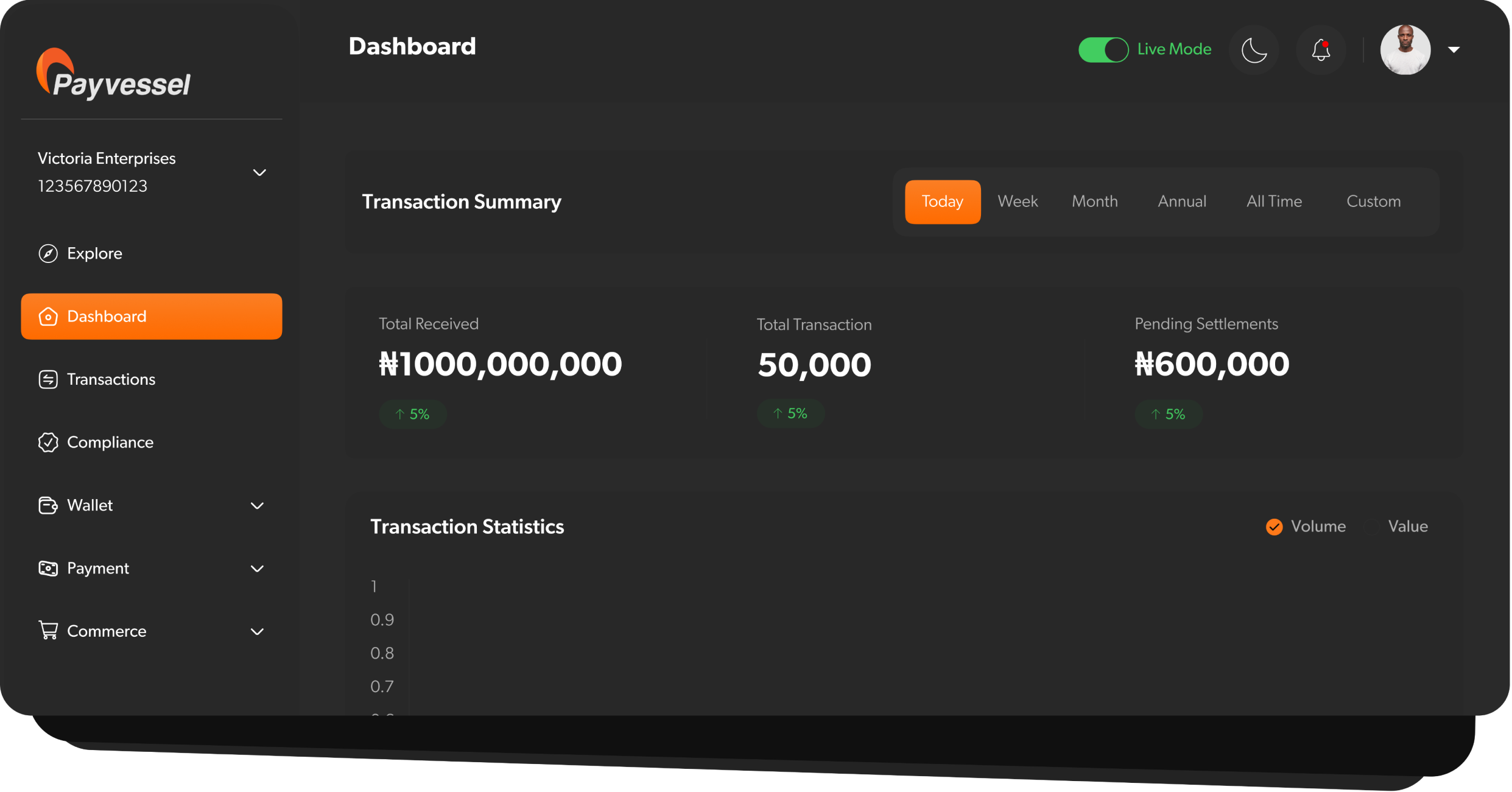
 Chart your integration course before setting sail with Payvessel.
To integrate Payvessel into your application, follow this step-by-step navigation guide.
Chart your integration course before setting sail with Payvessel.
To integrate Payvessel into your application, follow this step-by-step navigation guide.
⚡ Fast Setup
Get up and running in minutes with our streamlined onboarding
🔒 Secure Testing
Test safely in our sandbox environment with no real money
🏗️ Step 1: Create Your Developer Account
Sign up for a free merchant account to access your payvessel dashboard.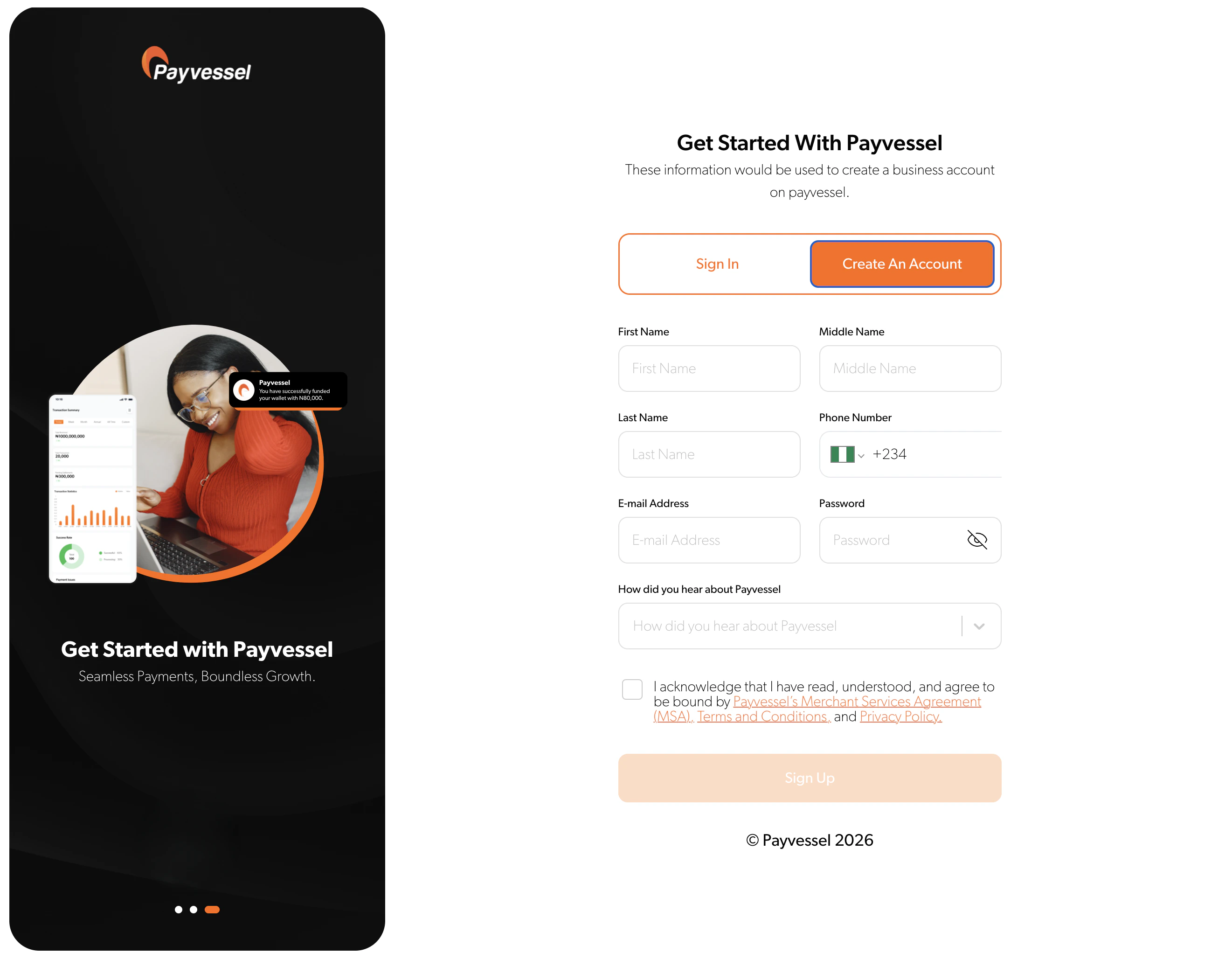
- 💳 Process payments using test card data and mock accounts
- 🏦 Simulate bank transfers and mobile money transactions
- 🔔 Test webhooks and error scenarios
- ✅ Validate customer identification processes
⚙️ Step 2: Configure Your Integration
Choose your integration vessel based on your technical stack and business needs:Payvessel Checkout
Use our pre-built checkout (cards + bank transfer) or the payvessel-checkout npm package
SDKs & Plugins
Leverage our libraries for popular frameworks and platforms
Direct API Integration
Build custom payment flows using our flexible endpoints
Testing Best Practices
Testing Best Practices
- Use our comprehensive test card numbers
- Validate all error scenarios
- Test webhook endpoints thoroughly
- Verify mobile money simulations
Integration Patterns
Integration Patterns
- Single payment flows
- Subscription billing
- Multi-party transactions
- Mobile-first implementations
🚀 Step 3: Launch Your Live Account
After successful testing, upgrade to a production account to access real transaction processing capabilities and actual fund movements.📋 Step 4: Complete Business Verification
To begin live transactions, you’ll need to complete our verification process, which includes submitting business documentation and bank account details for settlement.1
Submit Business Documents
Upload your business registration and tax documents
2
Verify Banking Details
Provide settlement account information for fund transfers
3
Complete KYC Process
Submit identity verification for business owners
4
Wait for Approval
Our team will review and approve your application within 24-48 hours
🌟 Step ∞: Go Live! 🚀
Once verified and approved, you’re ready to navigate live waters! Start accepting real payments in multiple currencies through your Payvessel dashboard.🎯 Explore Dashboard
Discover advanced features and settings unavailable in test mode
✅ Review Integration
Use our go-live checklist to ensure everything is shipshape
🔄 Transfer Configurations
Migrate webhooks, redirect URLs, and security settings
📊 Monitor Performance
Track transactions and optimize your payment flows
Pre-Launch Checklist:
- All sandbox tests passing
- Webhook endpoints configured
- Error handling implemented
- Security best practices followed
- Production credentials updated
🆘 Need Guidance?
Our developer documentation includes detailed tutorials, API references, and troubleshooting guides to ensure smooth sailing throughout your integration journey.📚 Documentation Hub
Comprehensive API references and guides
💬 Developer Support
Get help from our integration experts
🧪 Testing Tools
Sandbox environment and test utilities
📖 Code Examples
Ready-to-use integration snippets
Ready to begin your payment journey?
🚀 Create Developer Account
Start building with Payvessel today
📖 Explore API Docs
Dive deep into our comprehensive API